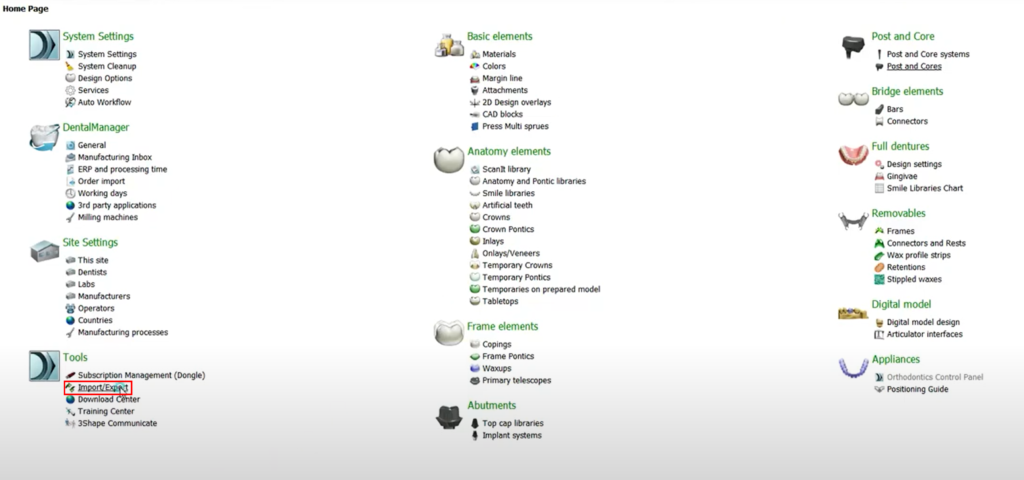
Import the library by using the [Import/Export] function in the Control Panel.
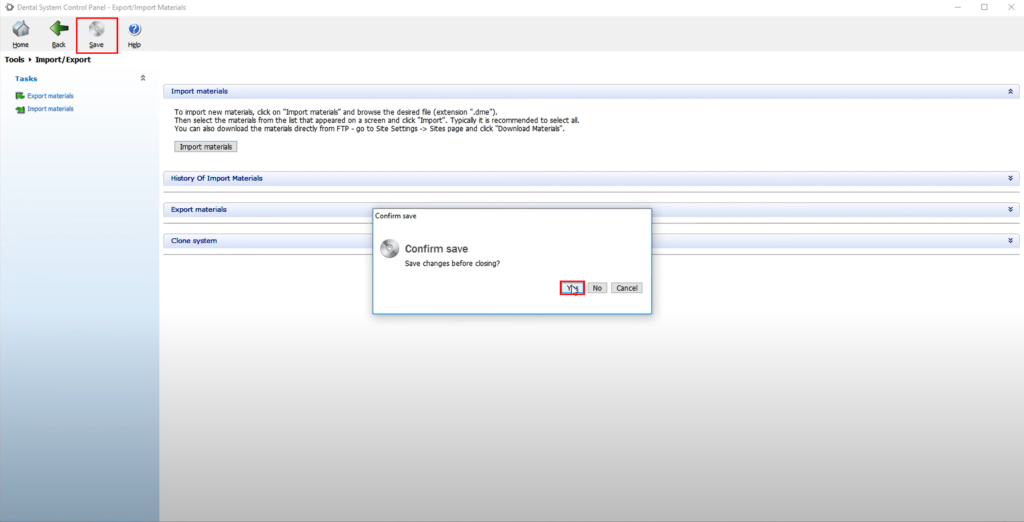
Click [Import material] and locate the DME file. [Save] on the top left and click [Yes].
Make sure to close all 3Shape software before using the digital library.
Import the library by using the [Import/Export] function in the Control Panel.
Click [Import material] and locate the DME file. [Save] on the top left and click [Yes].
Make sure to close all 3Shape software before using the digital library.